A browser-to-browser file transfer app. Files stream directly between two browsers over an encrypted WebRTC DataChannel — they never pass through a server. Pairing is as simple as a 6-digit PIN, a QR code, or a share link.
The PHP backend is used only for signaling — relaying the connection handshake. Once two browsers pair, every byte travels over a DTLS-encrypted peer-to-peer channel. There's no database, and the QR library is vendored locally so your PIN or link is never sent to a third party.
Three steps from file to delivered — the server only introduces the two browsers, then gets out of the way.
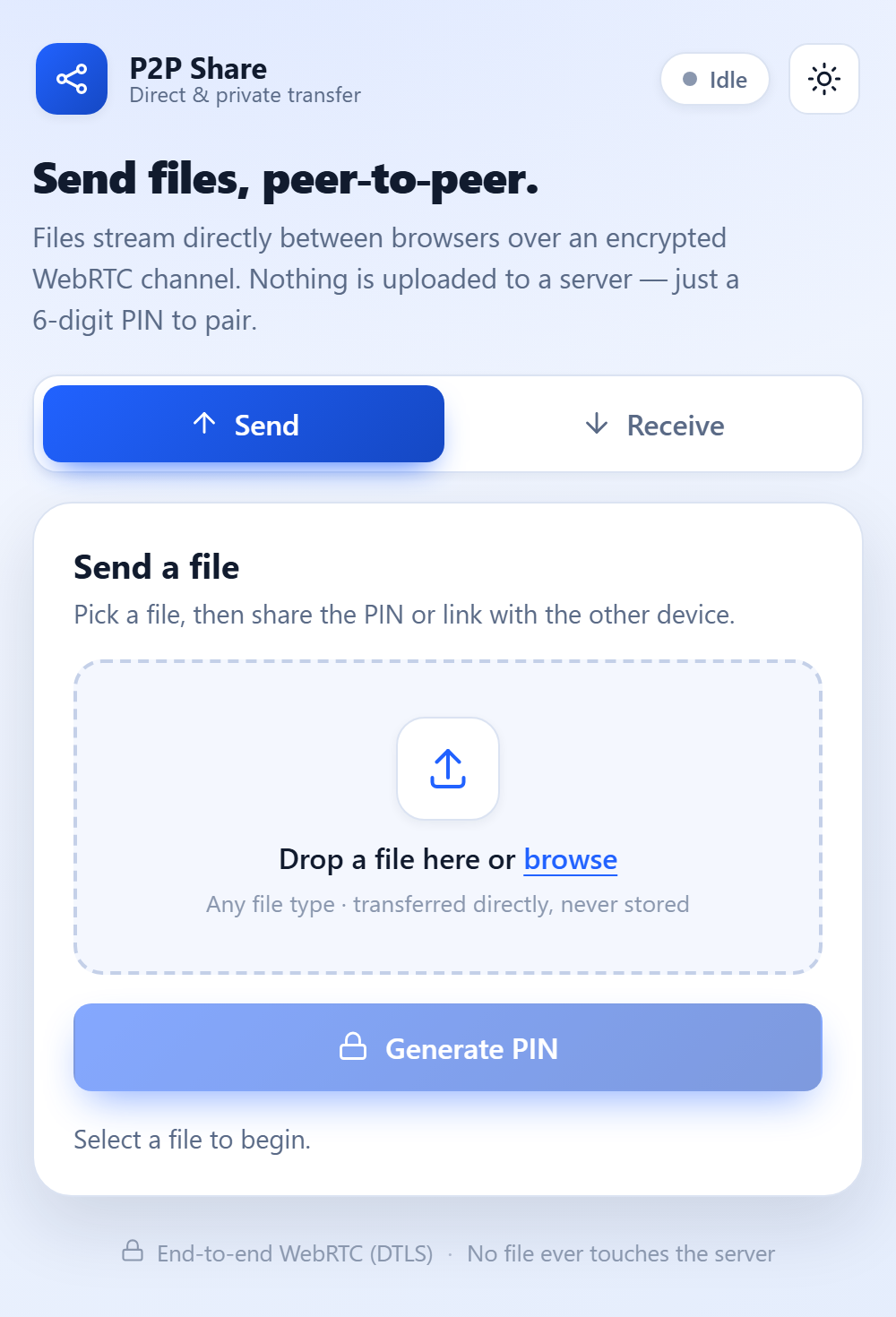
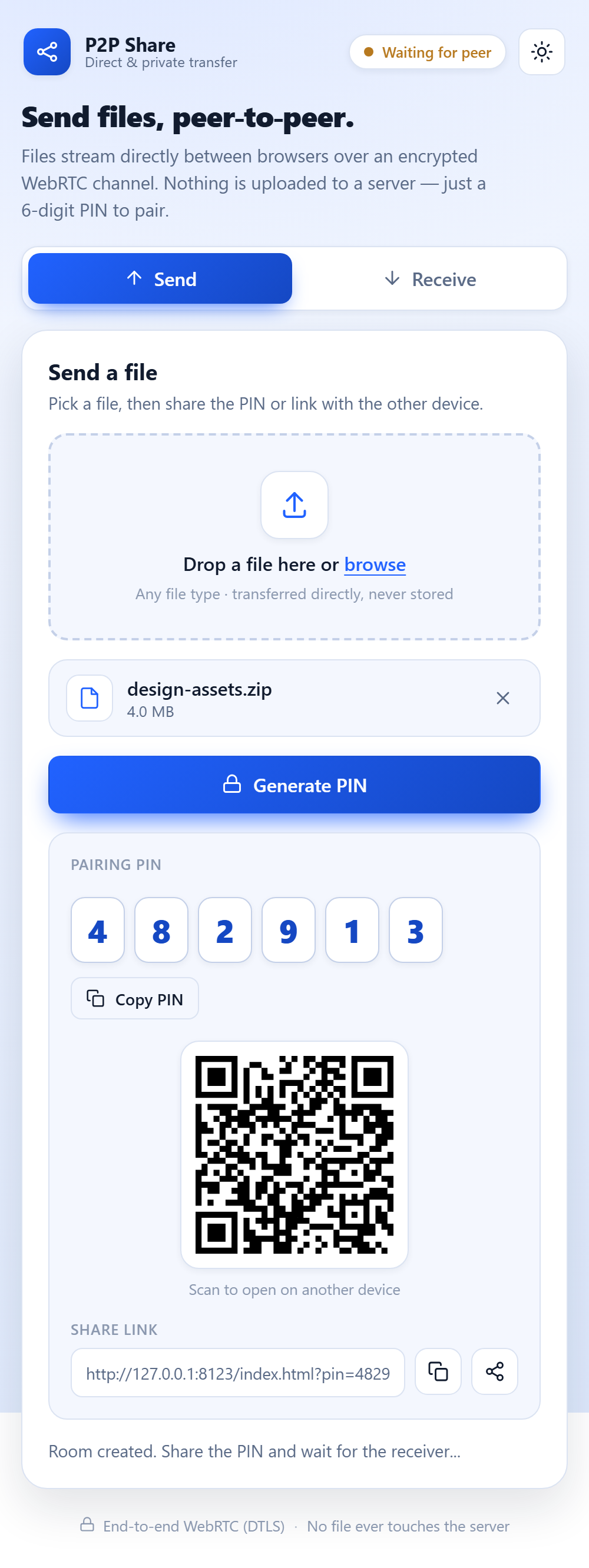
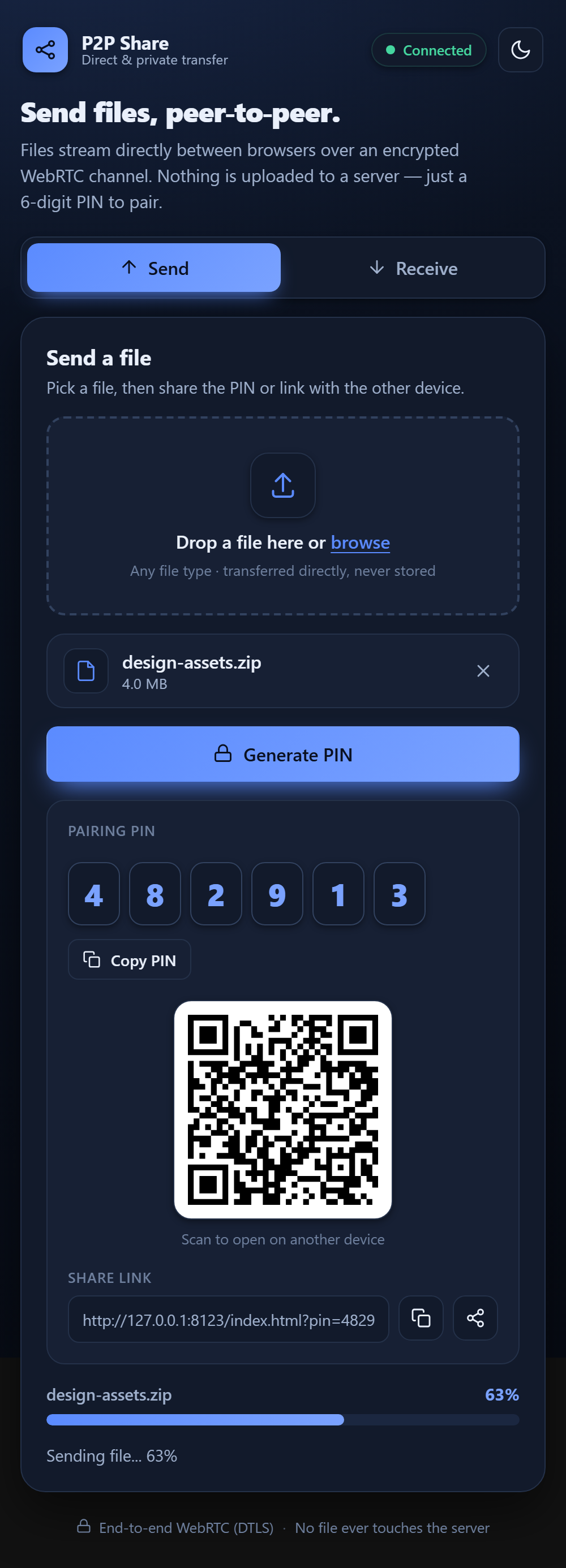
The sender drops a file and clicks Generate PIN. A room is created and a 6-digit PIN, QR code, and share link appear.
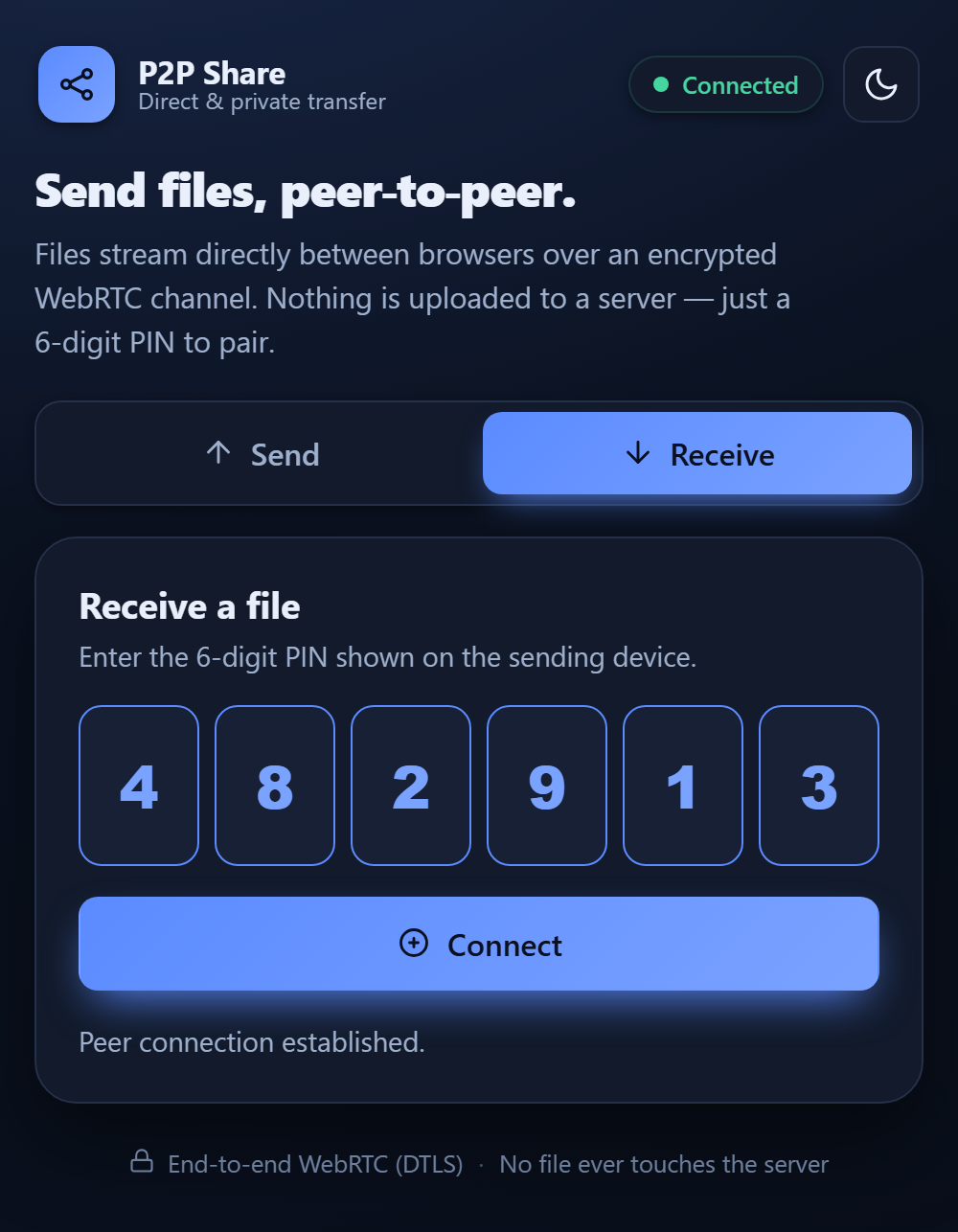
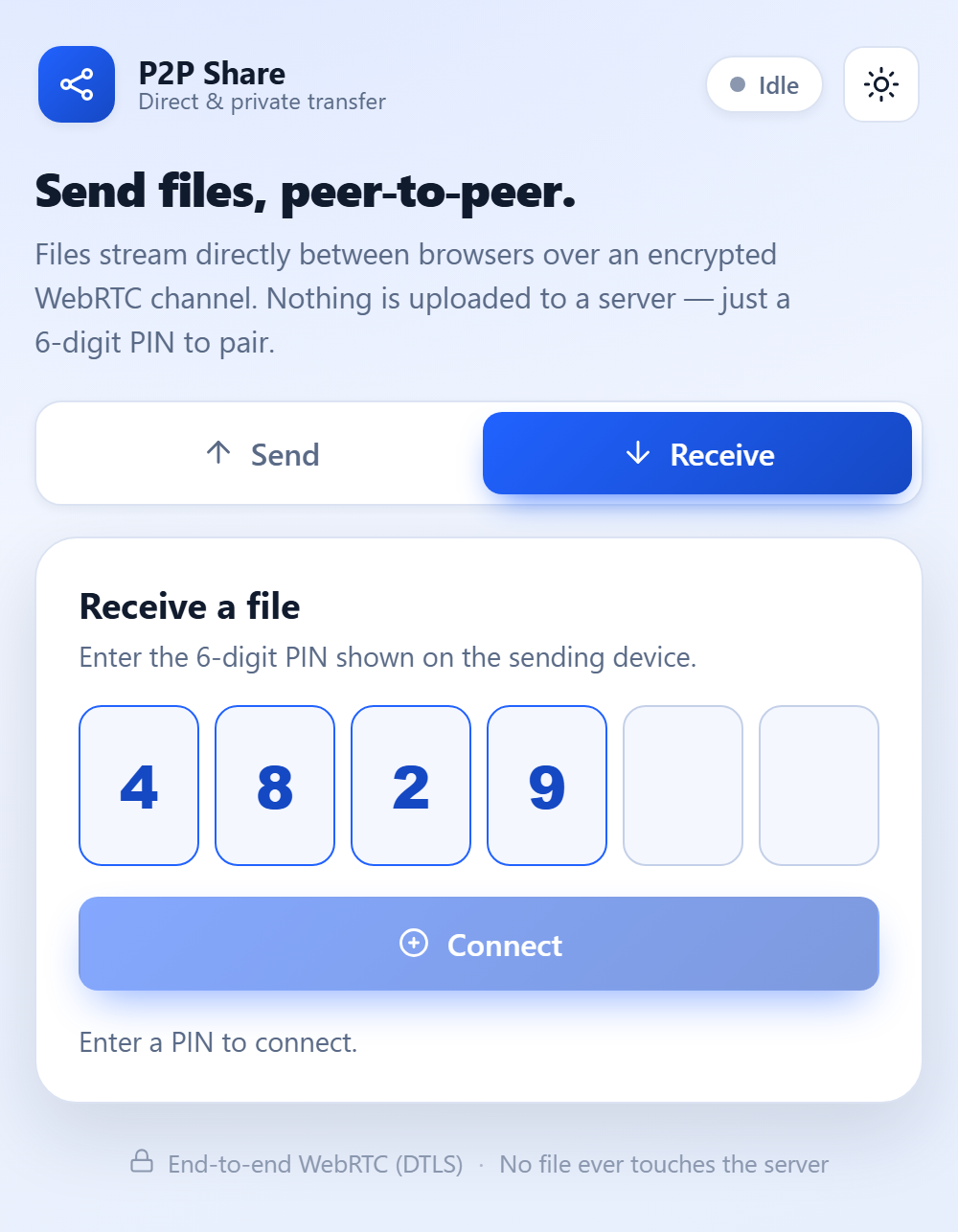
The receiver enters the PIN, scans the QR, or opens the ?pin= link to auto-connect. Signaling relays the WebRTC handshake.
The DataChannel opens and the file streams as 16 KB encrypted chunks, browser to browser. The download triggers automatically on completion.
A polished, installable web app with zero build step — plain HTML, CSS, and JavaScript.
Chunked transfer over a WebRTC DataChannel secured with DTLS. Peer IDs are random 128-bit tokens; rooms and queues auto-expire.
A 6-digit PIN with segmented auto-advancing entry, a scannable QR code, and a shareable ?pin= deep link with native Web Share.
A keyboard-operable drop zone, live progress bars, a connection-status pill, and toast notifications keep every transfer clear.
A modern tabbed Send / Receive UI that follows your system theme with a manual toggle, respecting reduced-motion preferences.
Install it to your home screen or desktop with Send and Receive app shortcuts. The app shell works offline.
HTTPS signaling in PHP with no database — just file-based room state. Minimal resources, since file bytes never touch the server.
Click any image to view it full size.
Vanilla JS
no build step
WebRTC
DataChannel
PHP 8+
signaling only
STUN
NAT traversal
PWA
service worker
Note: WebRTC requires a secure context — the live app works over HTTPS (or localhost). On strict/symmetric NATs, a TURN server may be needed.
Open the app in your browser — no install, no account. Or browse the source on GitHub.