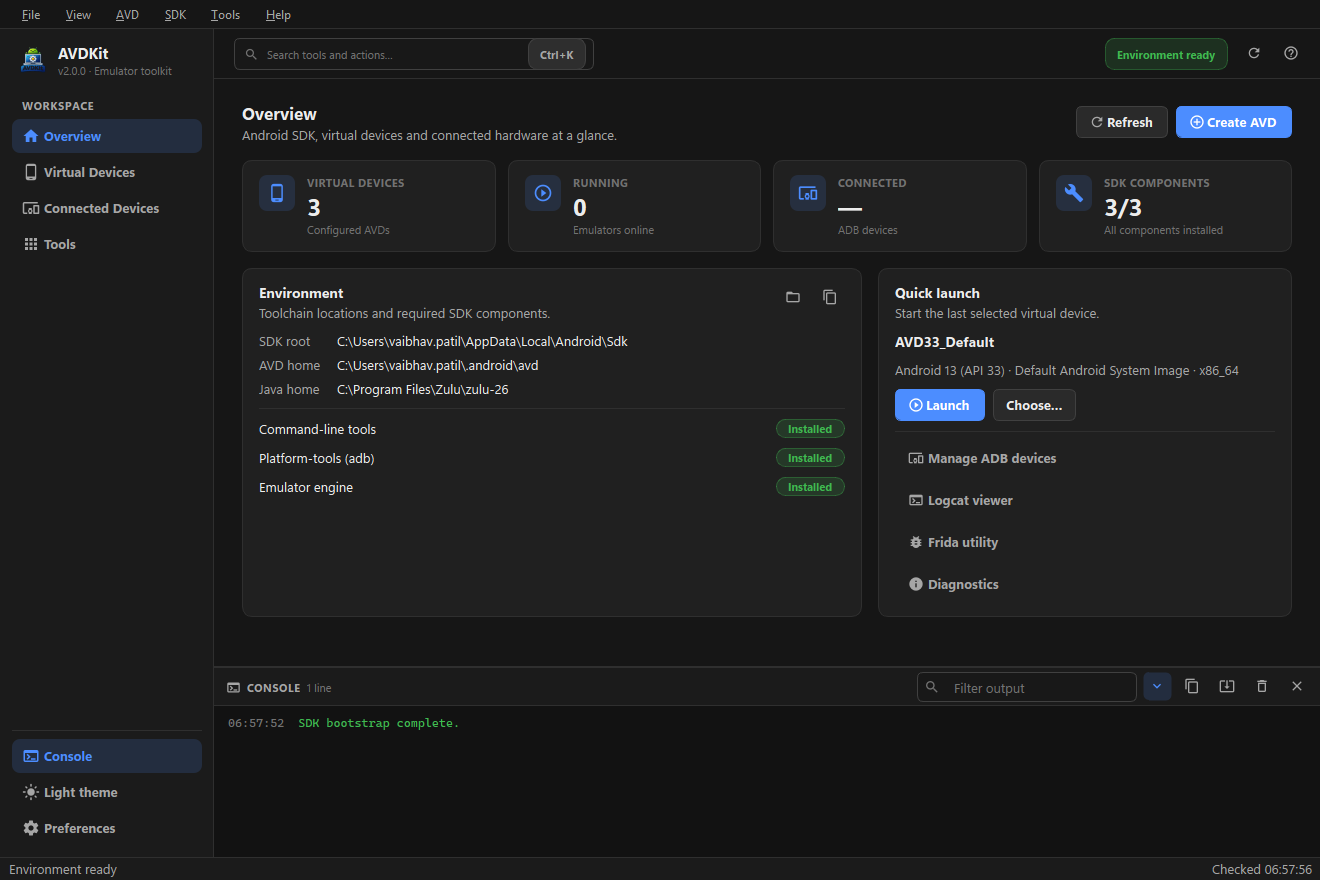
Everything you need to move between setup, launch, device control, traffic inspection, and analysis — without scattered terminal commands.
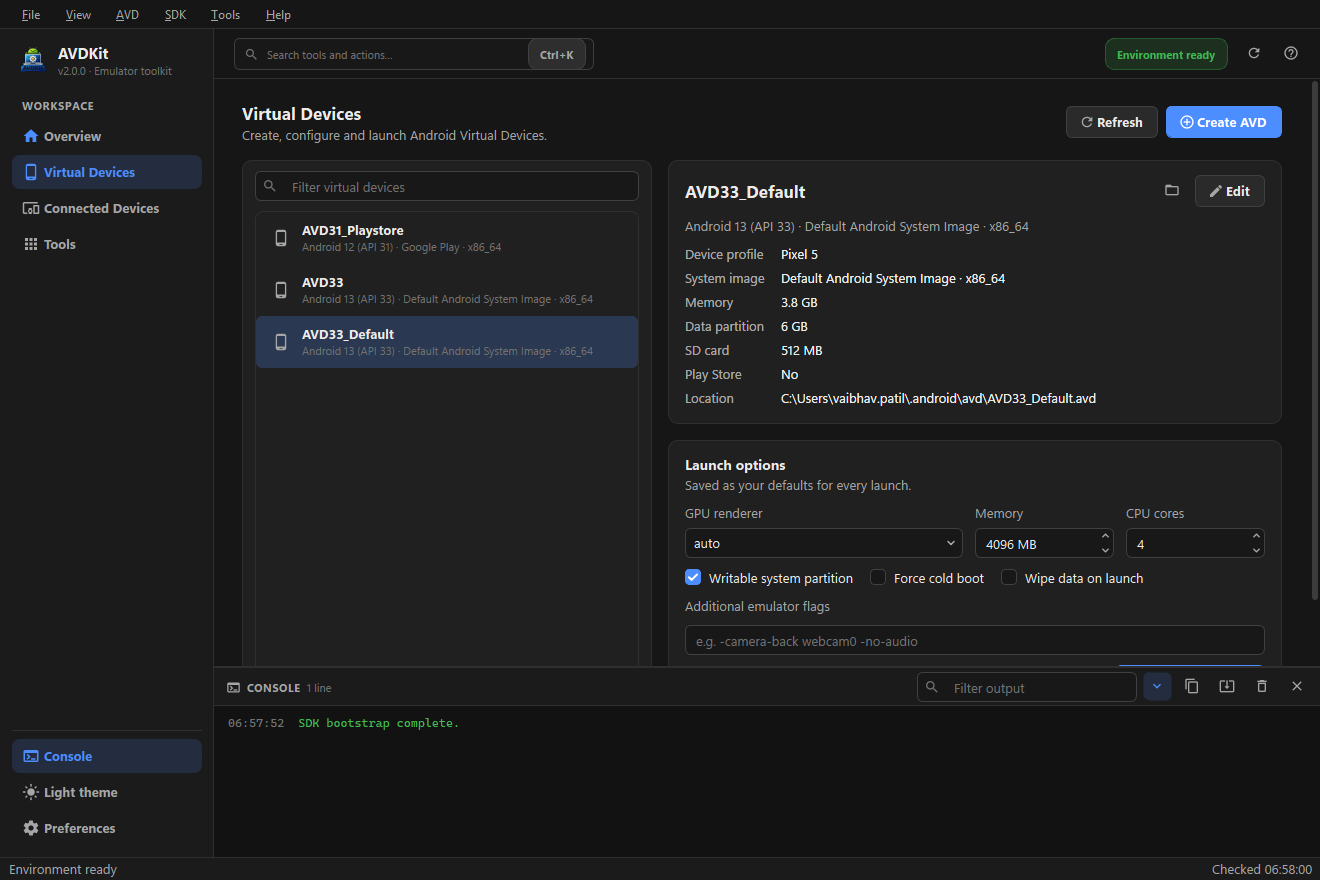
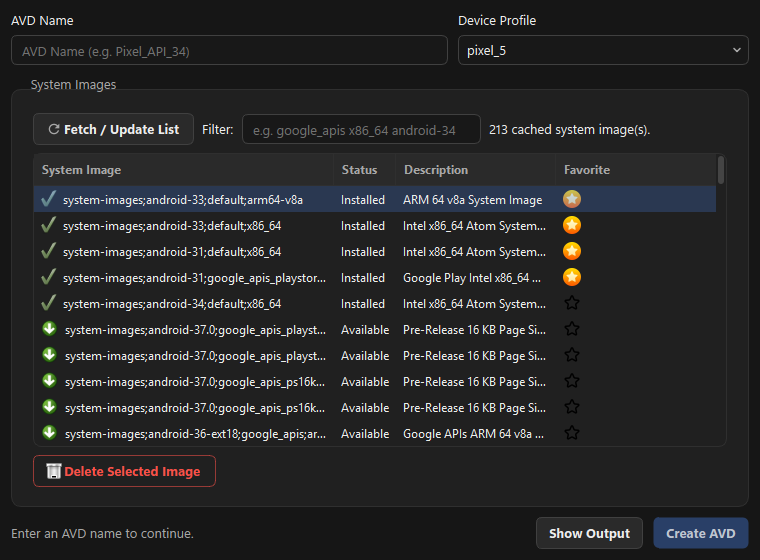
Virtual device management
Create, edit, and launch AVDs from a guided flow — browse the system-image catalog, pick a profile, and save per-device launch options (GPU, RAM, cores, cold boot, wipe).
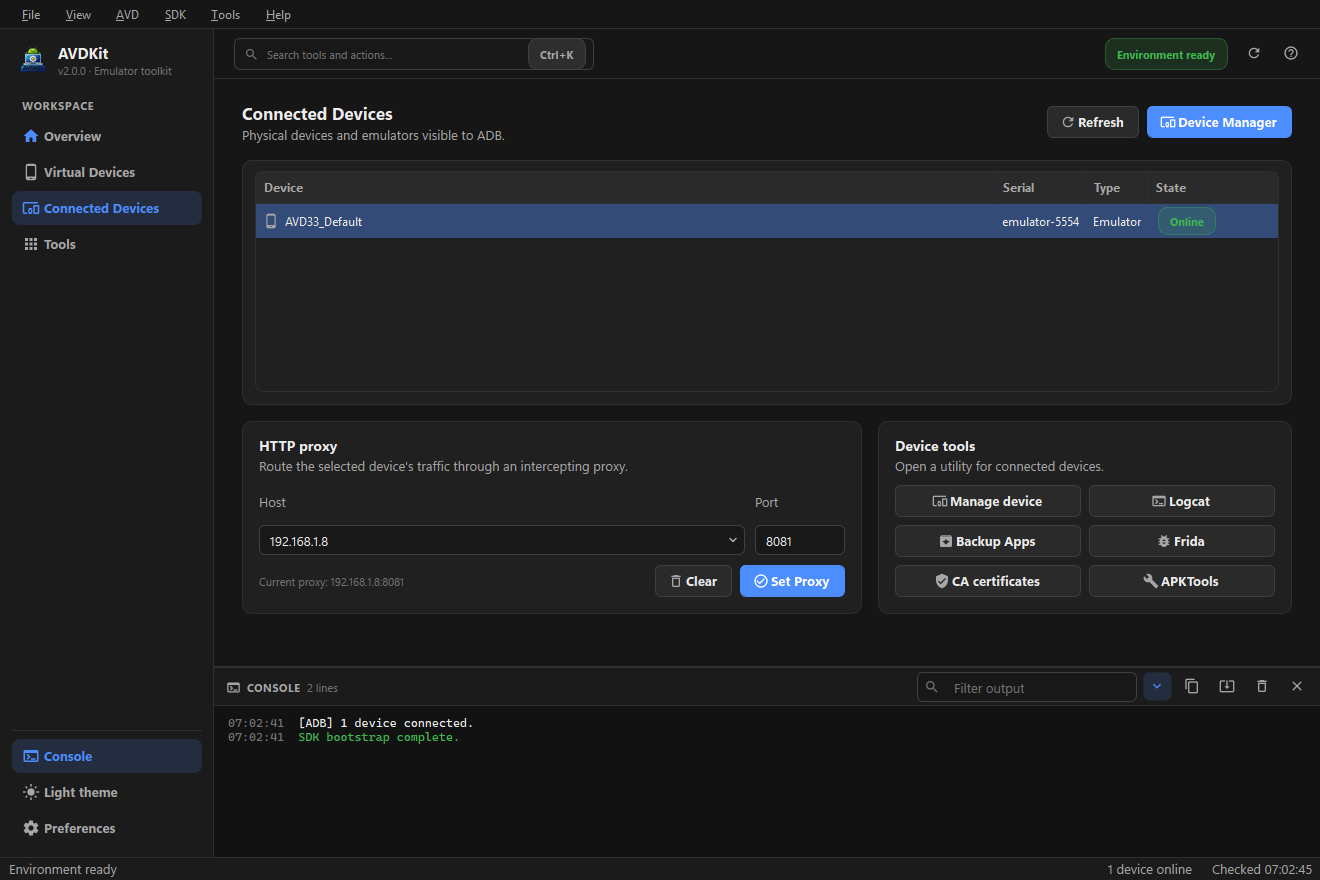
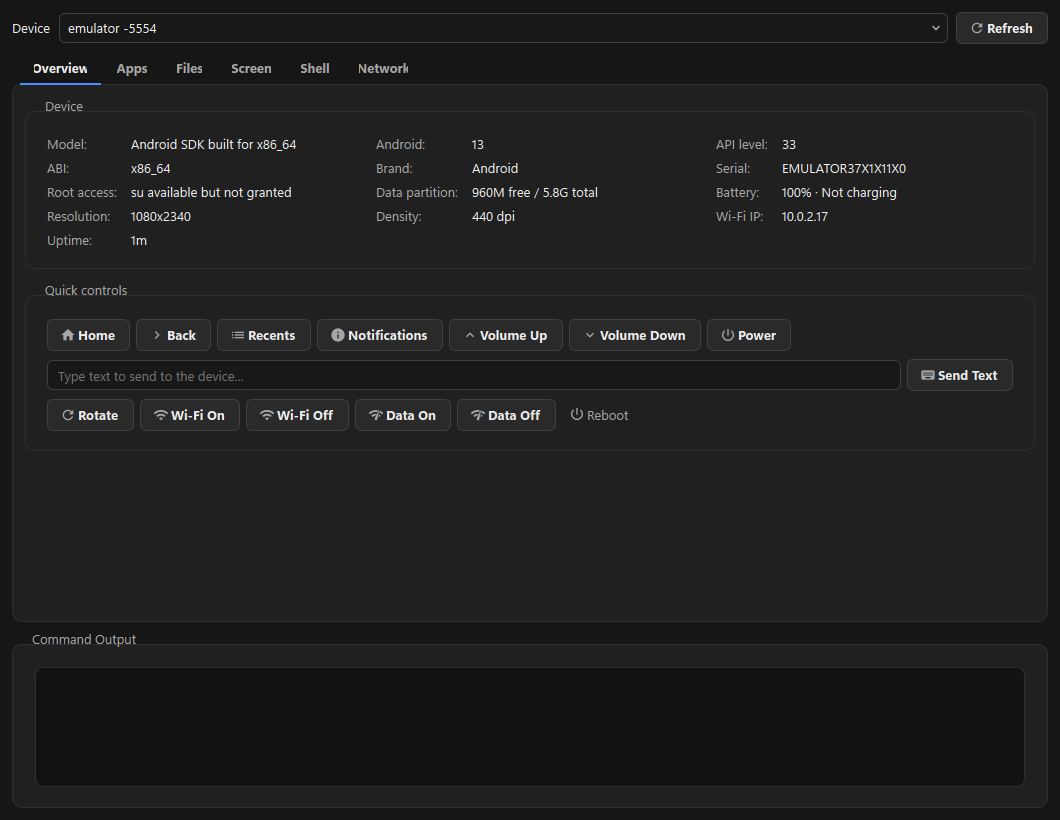
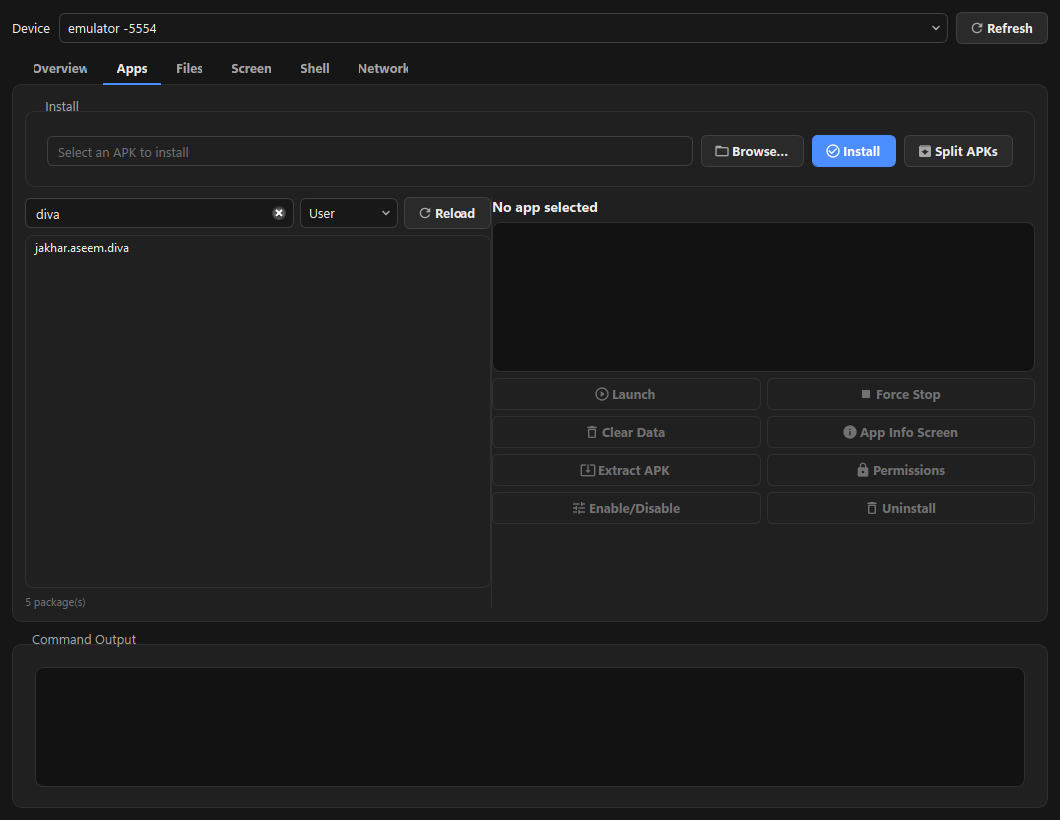
ADB device manager
A six-tab console — device dashboard, app manager, file explorer, scrcpy screen control, interactive shell, and network/proxy with port forwarding.
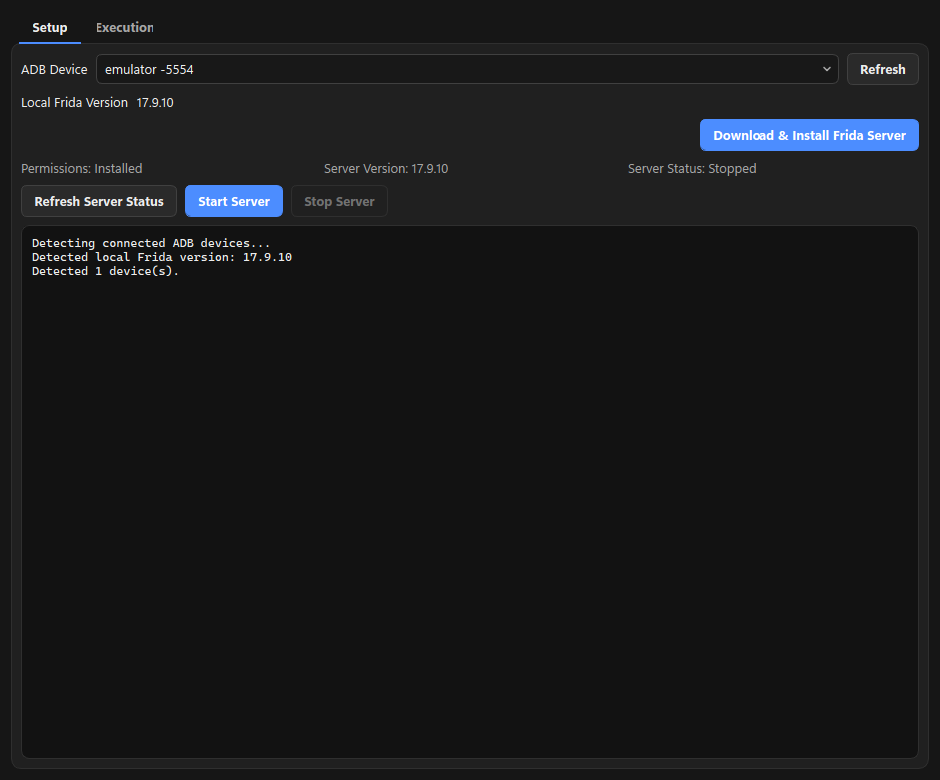
Frida Workbench
Detect, download, and launch frida-server; spawn or attach to apps; run curated preset scripts (SSL pinning & root-detection bypass, crypto logging) or frida-trace.
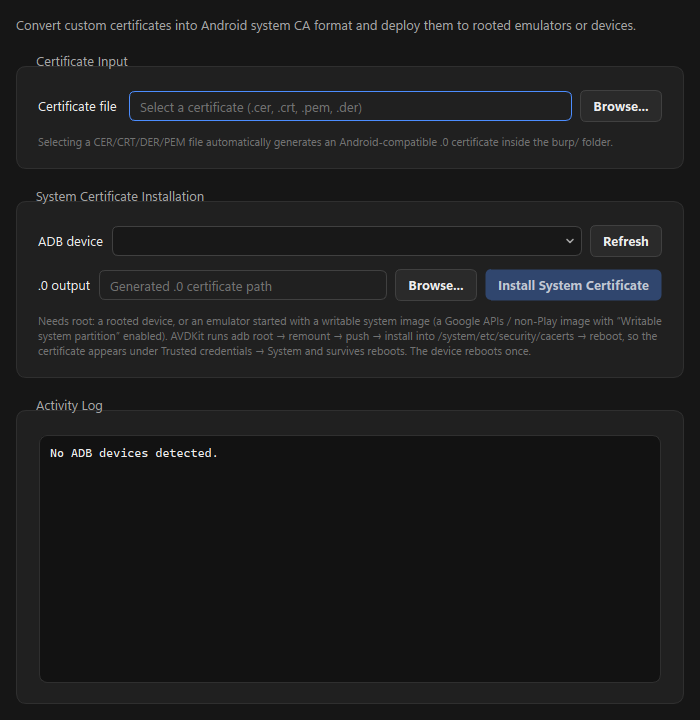
System certificate manager
Convert a CA certificate to Android's system format and install it persistently into the trust store — with an automatic dm-verity fallback that survives reboots.
APKTools & App Backup
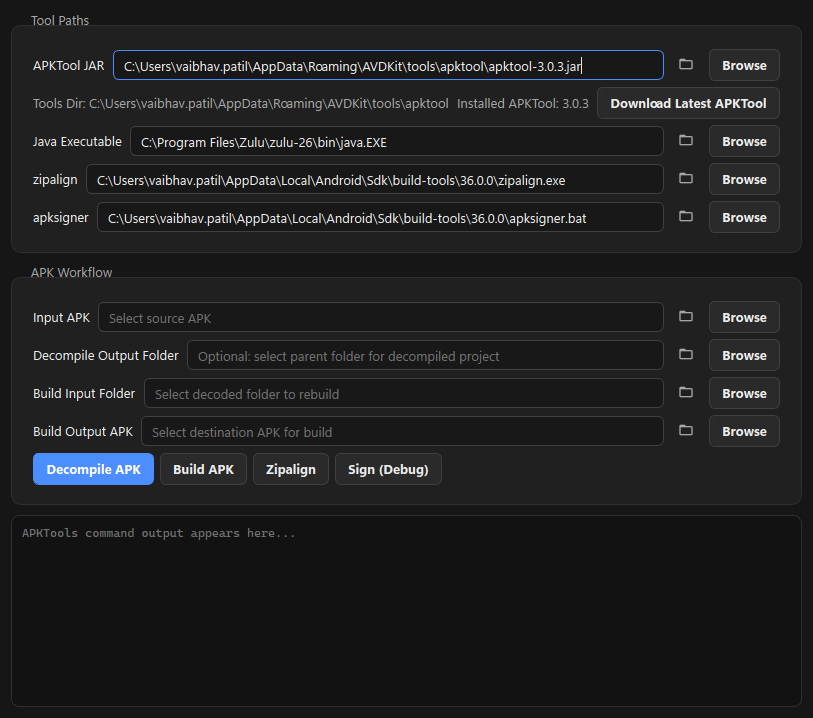
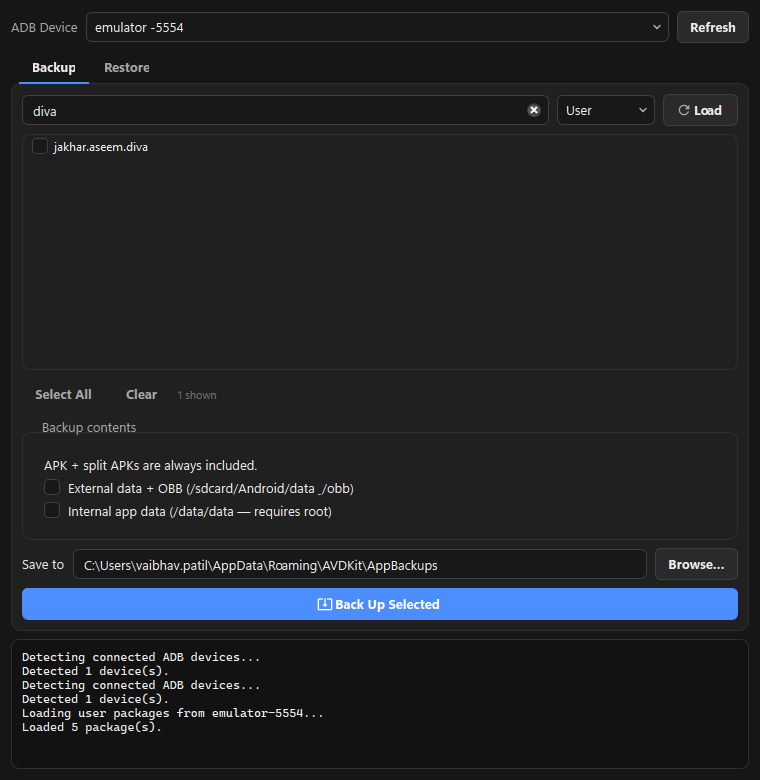
Decompile, rebuild, zipalign, and debug-sign APKs — plus bulk backup/restore of apps with APK + splits, external data, OBB, and (with root) internal data.
Command palette & logging
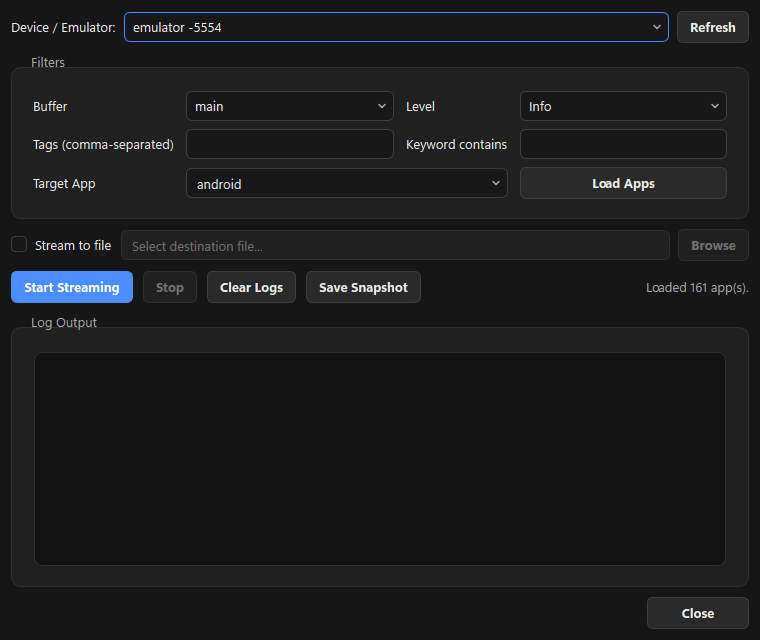
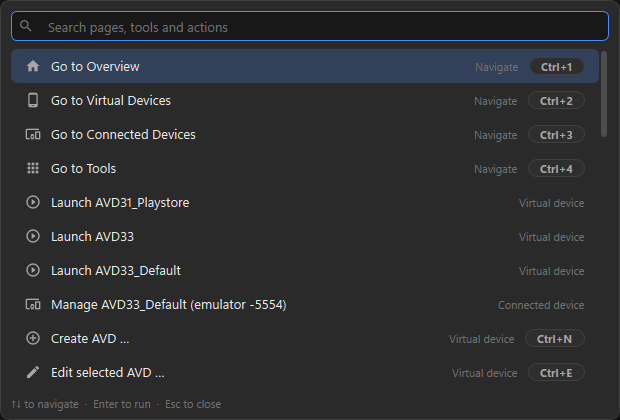
Press Ctrl+K to fuzzy-search pages, tools, AVDs, and actions. Capture and filter logcat in-app while reproducing an issue.